
Our flagship application is a software tool that helps companies track and optimize software license usage. Think of it as a smart dashboard that shows you:
“Open iT Software has helped us to limit our software investment to the most necessary and profitable software” —Peter Eilsø Chief Researcher for Petroleum Technology at Equinor
LicenseAnalyzer offers three levels of functionality (Level 1, Level 2, Level 3) to help organizations understand and optimize software license usage. Each level builds on and enhances the functionalities of the preceding one:
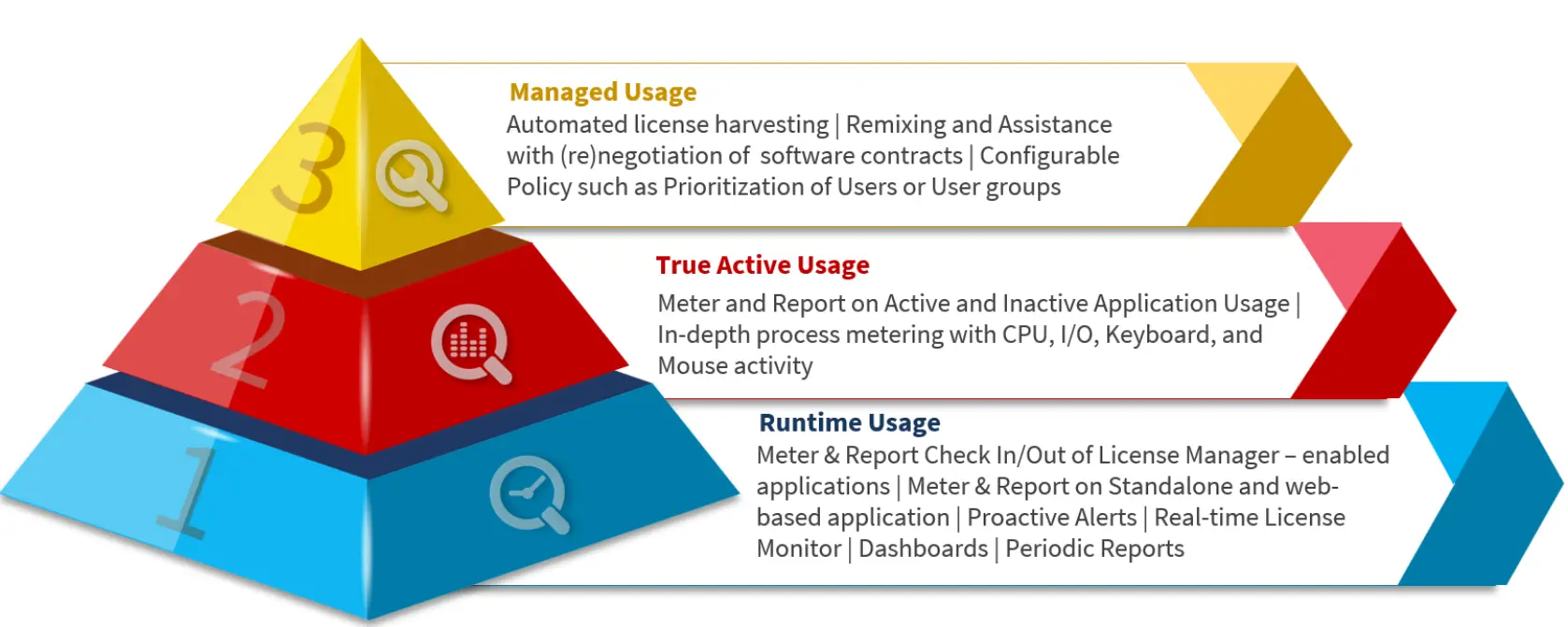
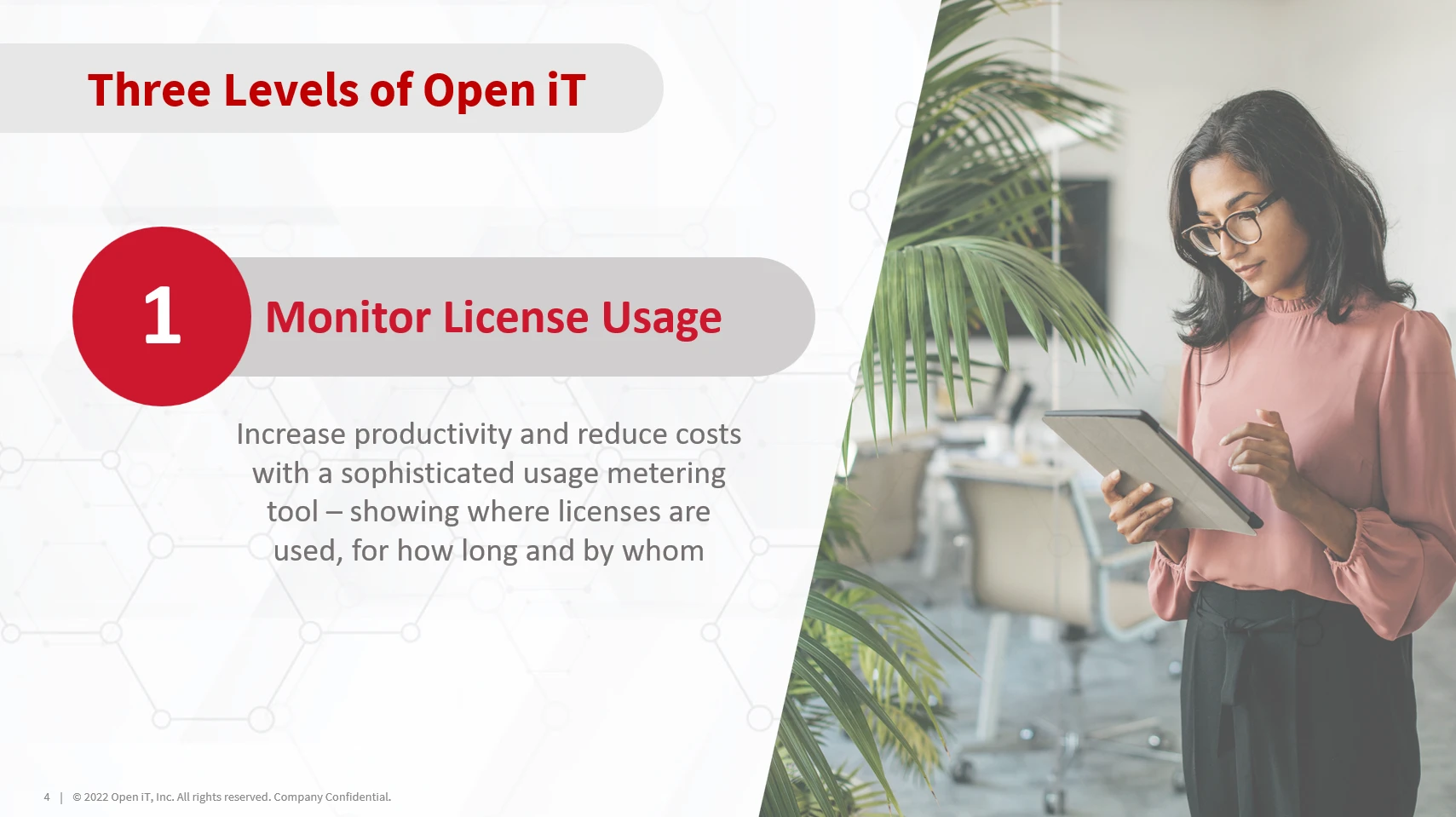
Provides metering and reporting based on application runtime. The location of the data collectors depends on the type of application: for those managed by license servers, data is collected directly from the servers; for vendor-hosted applications with APIs, a single client connects to the API; and for standalone applications, clients are installed on the machines where the software runs.
LicenseAnalyzer supports all types of applications—it’s simply a matter of selecting the right data collection method. In some cases, historical usage data can also be imported if logs are available, using methods such as license status sampling, log file parsing, or even a combination of both.
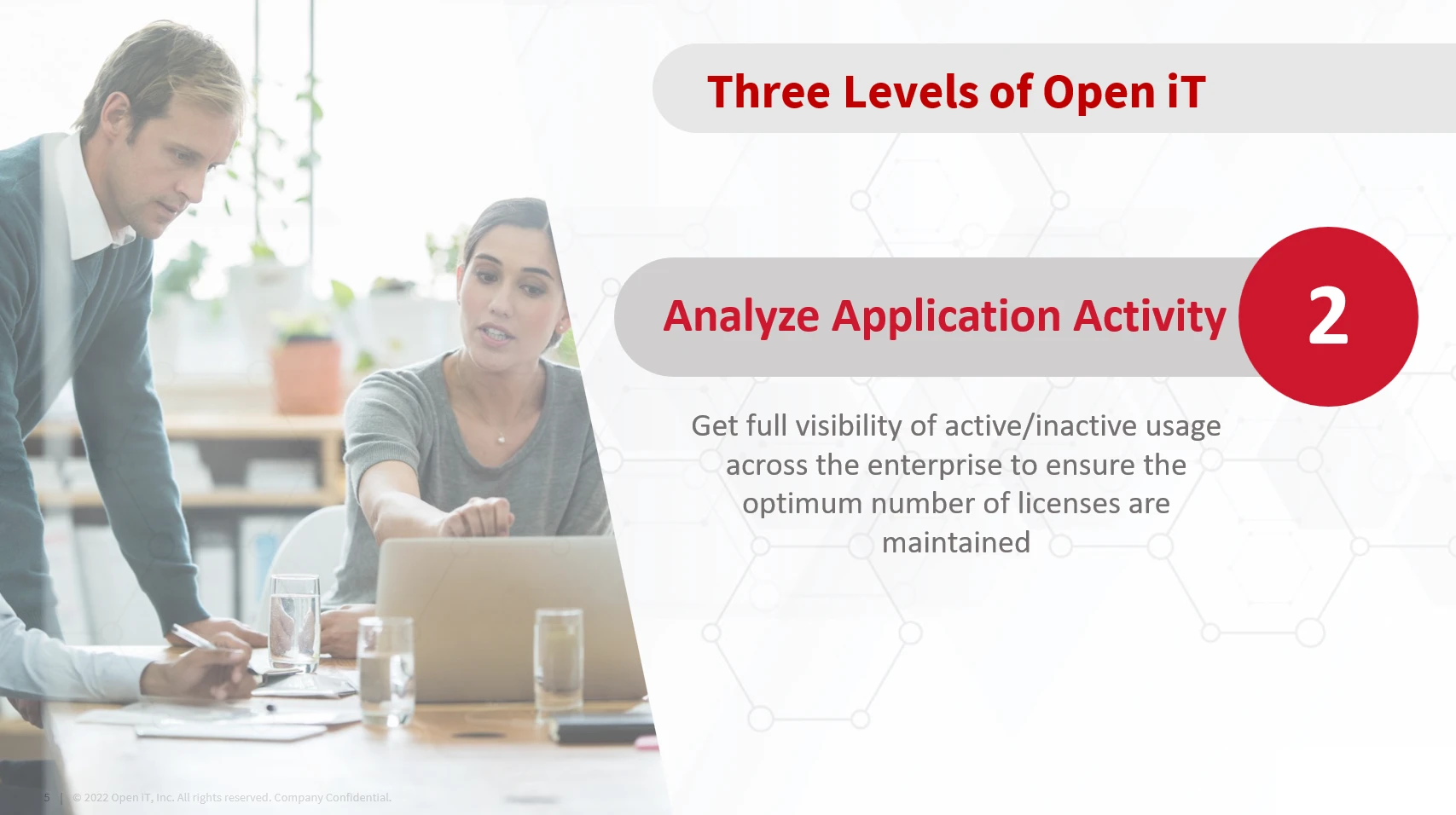
Builds on basic runtime tracking by measuring how actively and application is being used (active vs. inactive). It introduces activity-based metering, which helps distinguish between software that’s simply open and running, and software that’s actually being used.
LicenseAnalyzer achieves this by monitoring signals such as CPU usage, disk I/O, and keyboard and mouse activity. A key advantage of this level is that it supports per-application thresholds, ensuring that interactive tools like design software are measured differently from background tools like simulations.
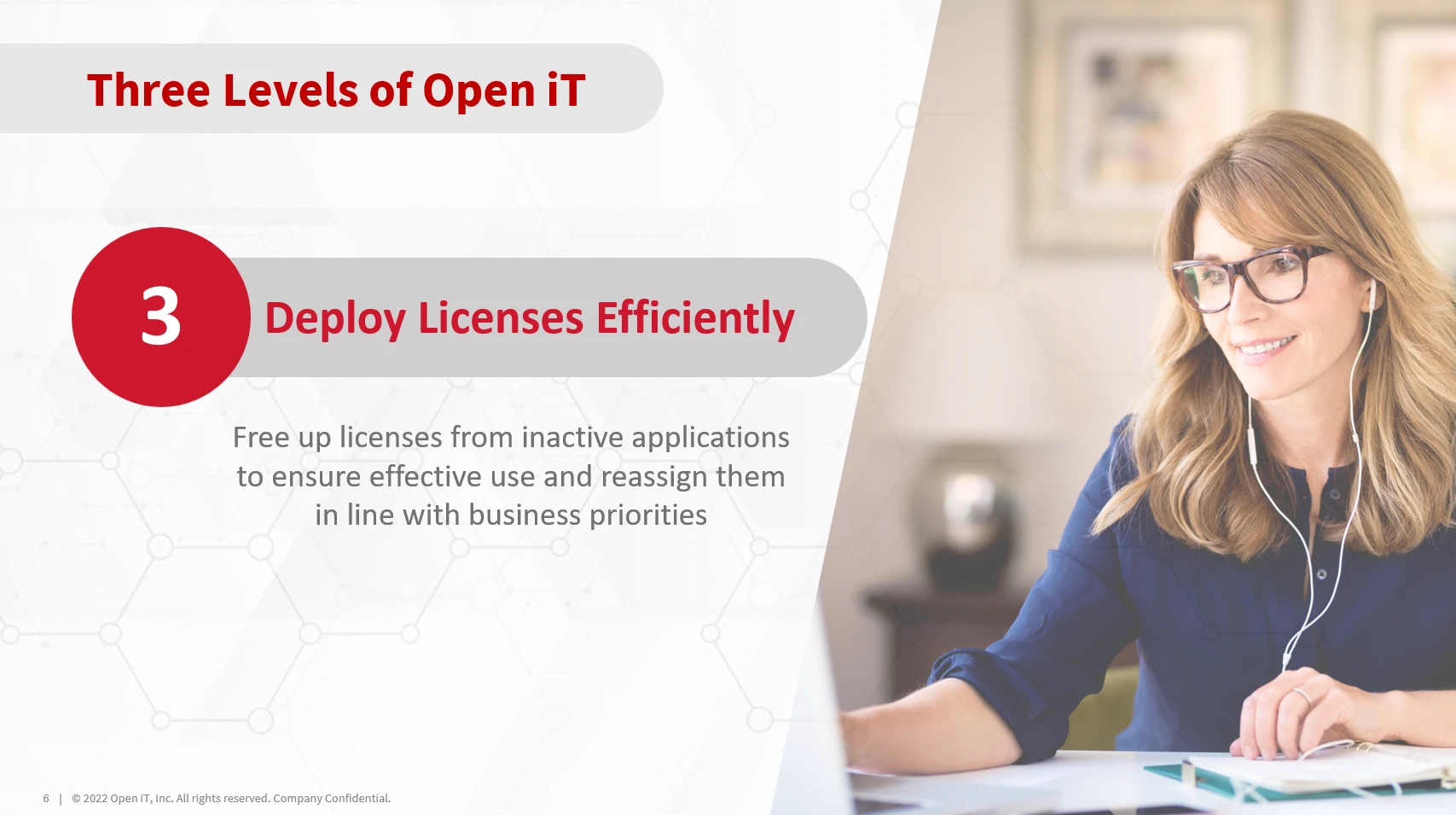
Takes LicenseAnalyzer’s capabilities a step further by not only identifying software usage but also acting on it.
This level introduces license harvesting, which automatically frees up licenses from idle applications so they can be reused by others. When an application is inactive for a set period, LicenseAnalyzer Level 3 can:
1. Suspend: Displays a popup warning and countdown on the user’s workstation before suspending or freezing the application. If no action is taken, LicenseAnalyzer suspends the application after the countdown and releases the license back to the license server. Users can still resume the application if a license is available on the server.
2. Terminate: Displays a popup warning and countdown on the user’s workstation before terminating or shutting down the application. If no action is taken, LicenseAnalyzer shuts down the application after the countdown and releases the license back to the license server.
Open iT LicenseAnalyzer is a powerful tool—not just for IT experts or software engineers. It’s designed to support a wide range of roles across departments, particularly those responsible for managing software assets, optimizing costs, and ensuring the efficient use of technical resources.
These professionals are the primary users of LicenseAnalyzer, relying on it to:
In industries such as energy, automotive, aerospace, and manufacturing, engineers often rely on high-cost, license-managed applications (e.g., CAD, simulation tools). LicenseAnalyzer helps them to:

IT Operations and System Administrators configure and maintain the LicenseAnalyzer environment. Their responsibilities include:

For organizations that allocate software costs by project or team, LicenseAnalyzer provides:

LicenseAnalyzer features a clear, user-friendly interface designed to make daily tasks straightforward and efficient. Even first-time users can navigate it easily without extensive training. In this section, we will highlight the key parts of the interface you need to get started and work confidently with the tool.
Please note that this section provides only an overview. For a deeper dive into menu navigation, view customization, and advanced features, we recommend taking the dedicated Navigation Basics and UI training module.
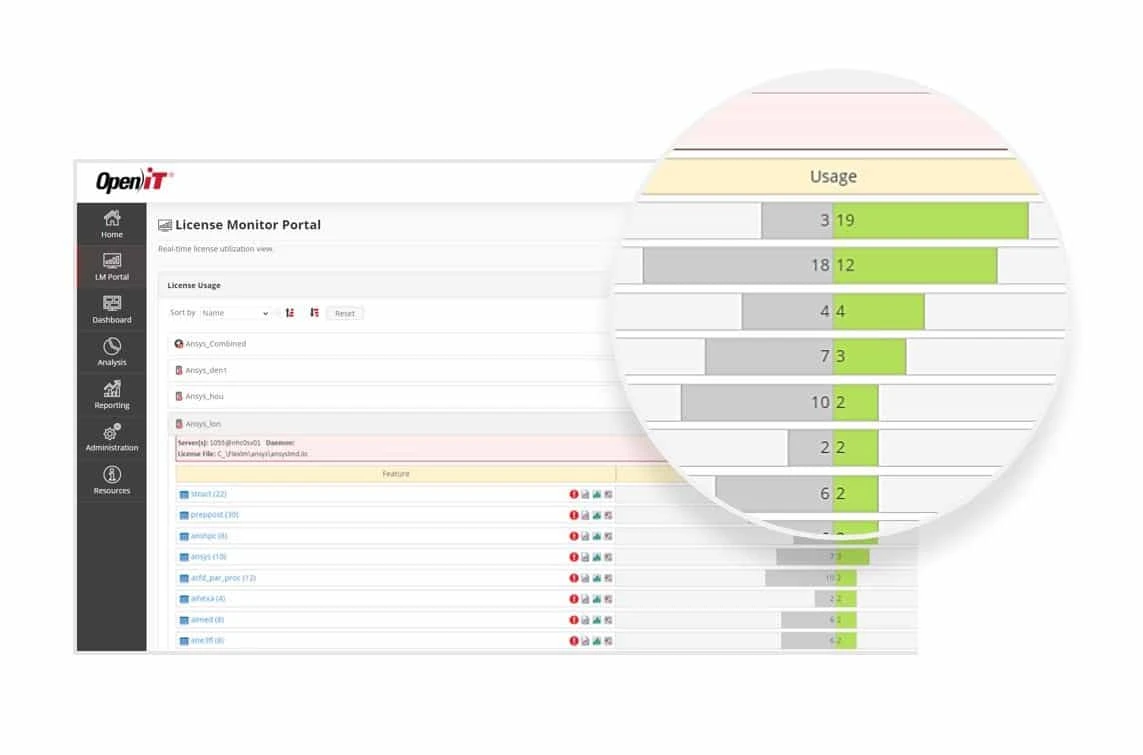
With real-time monitoring, you gain instant visibility into license usage as it happens. This enables you to spot bottlenecks, prevent denials, and make quick decisions to ensure users always have the access they need.
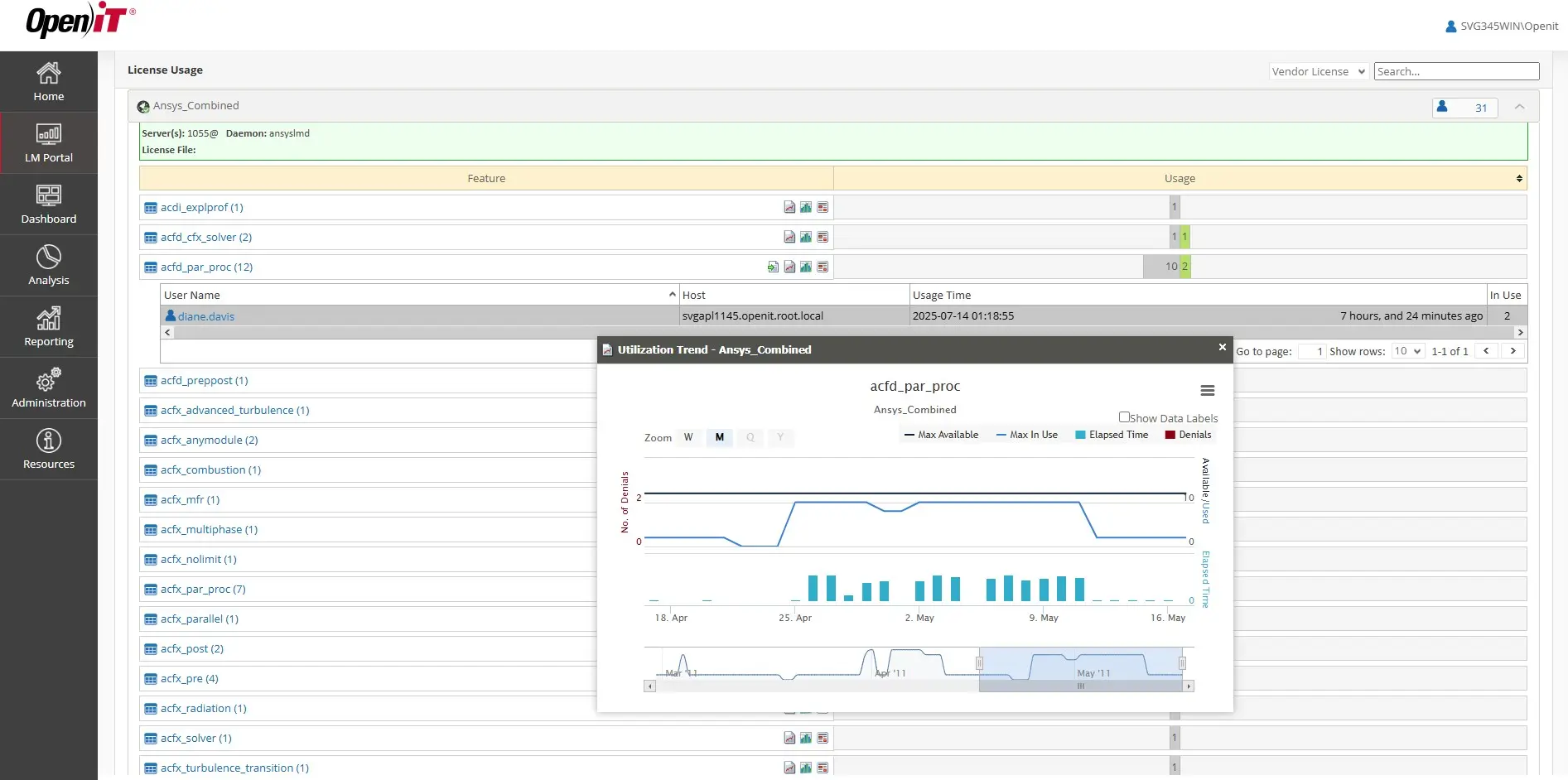
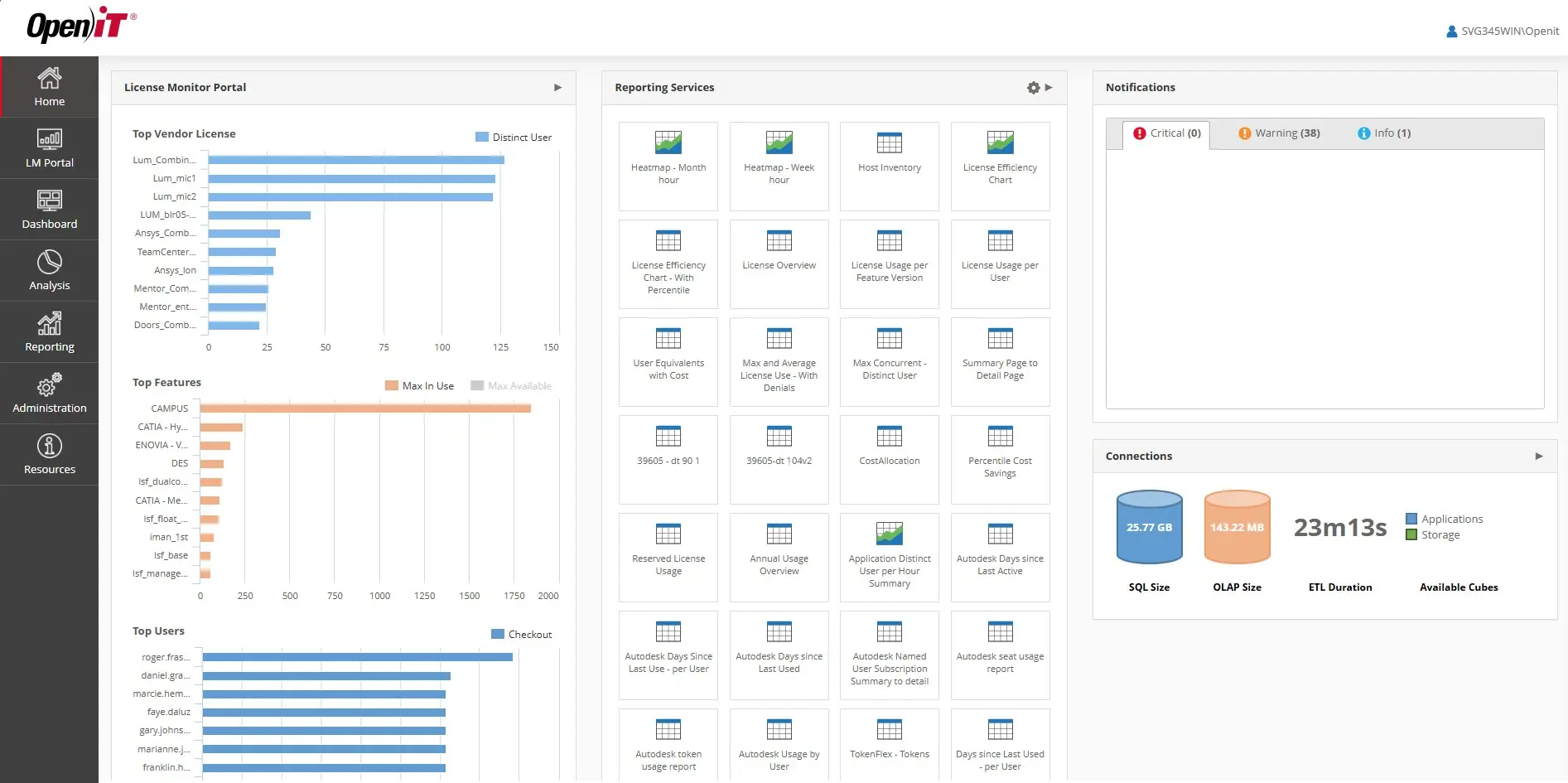
The License Monitoring Portal provides all your key license data at a glance. Information is organized clearly so you can quickly find what you need, when you need it. You can sort, filter, and arrange the data to match your specific tasks, helping you focus on what truly matters—without wasting time digging through raw figures.
Generating historical reports in LicenseAnalyzer is straightforward. Depending on your license level, you can access a variety of ready-to-use reports—all available in just a few clicks.
To create a report, simply select the target application or vendor, add a feature if needed, and define the time period to analyze. The tool then generates clear, visual charts to help you identify trends, usage patterns, and opportunities for optimization.
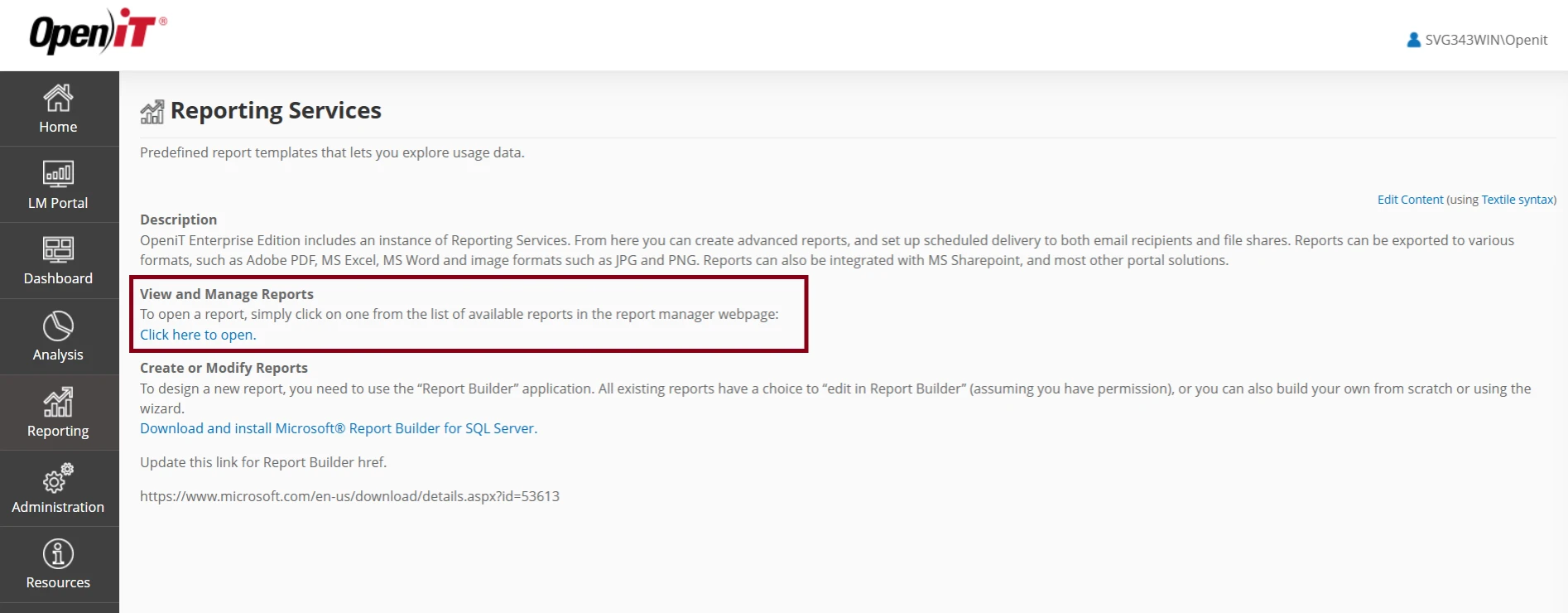
LicenseAnalyzer provides a variety of report types based on your license level. This flexibility lets you choose the insights you need—ranging from simple usage summaries to detailed breakdowns and trend analyses.
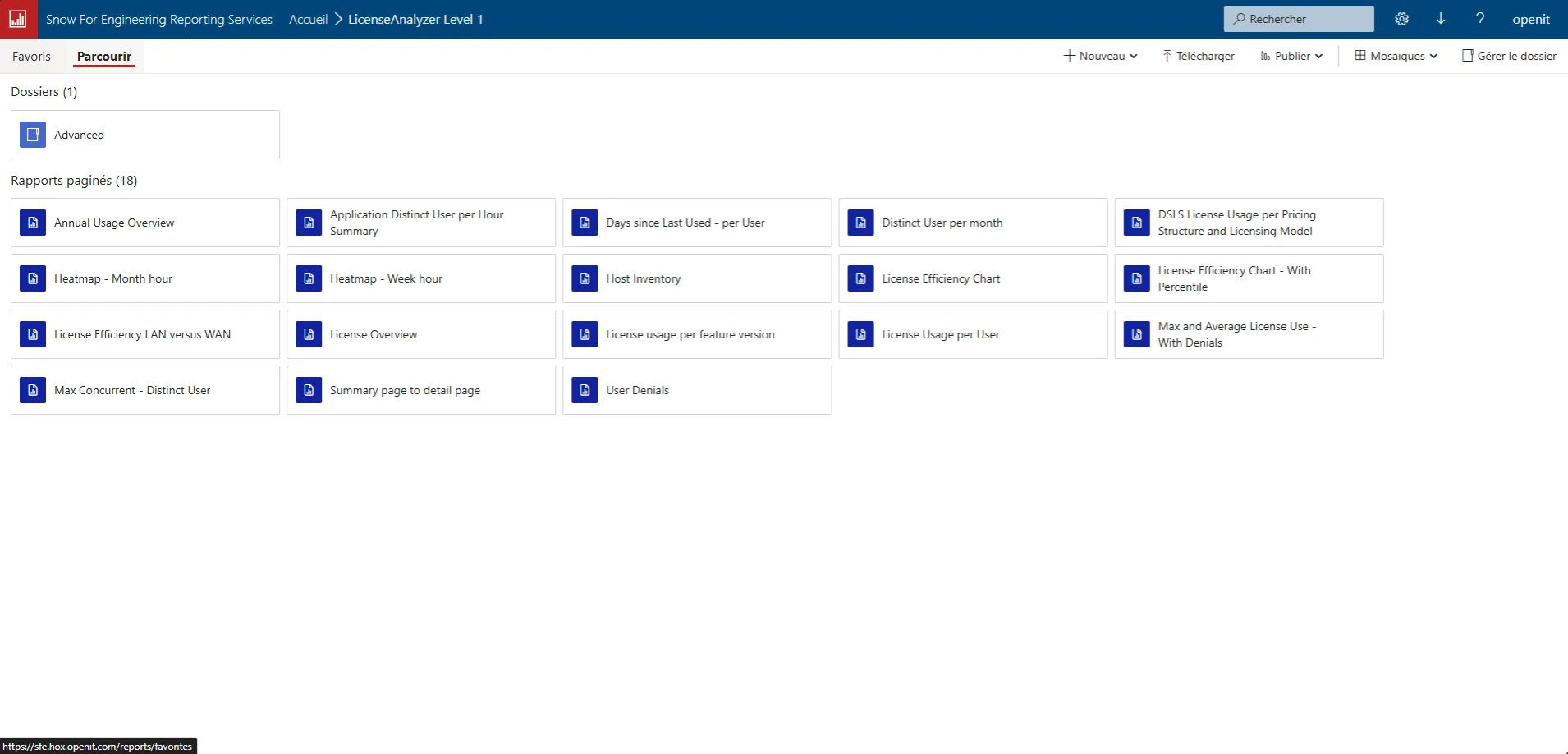
LicenseAnalyzer provides a variety of report types based on your license level, enabling you to choose the insights you need—from simple usage summaries to detailed breakdowns and trend analyses.

After selecting your report type, specify the relevant details—such as the vendor, application, feature (if applicable), and the time period to analyze.
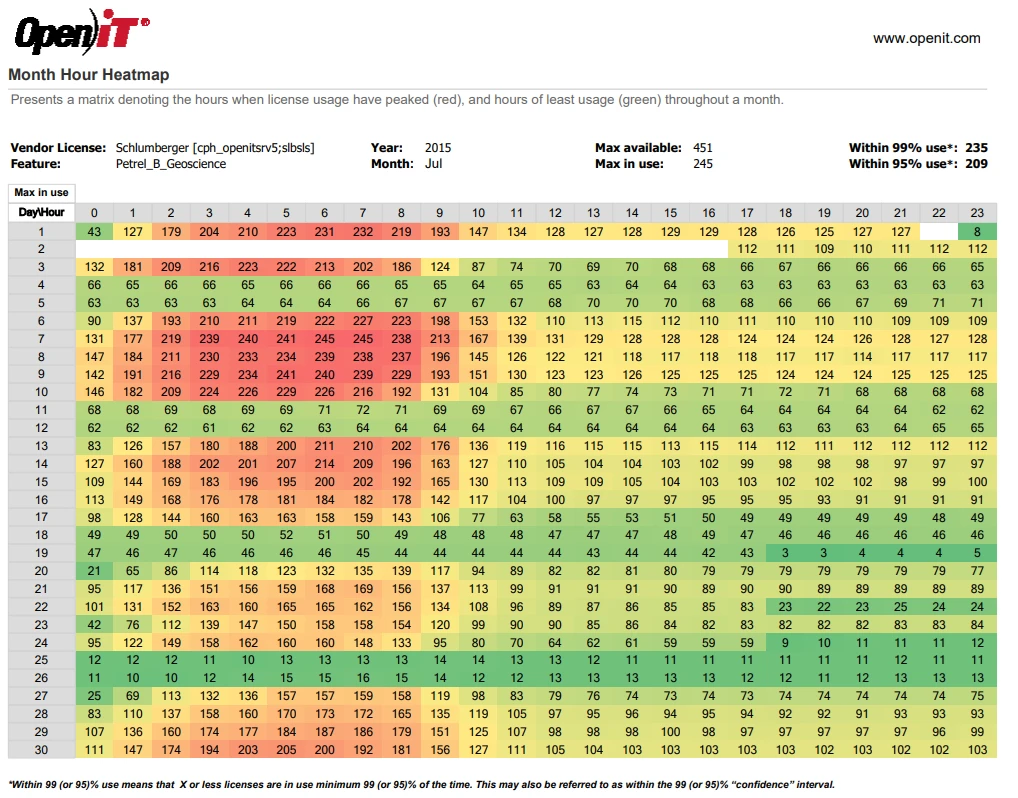
Reports are generated in seconds, with clear charts and tables ready to use. You can export the results in multiple formats for sharing or inclusion in internal documentation.
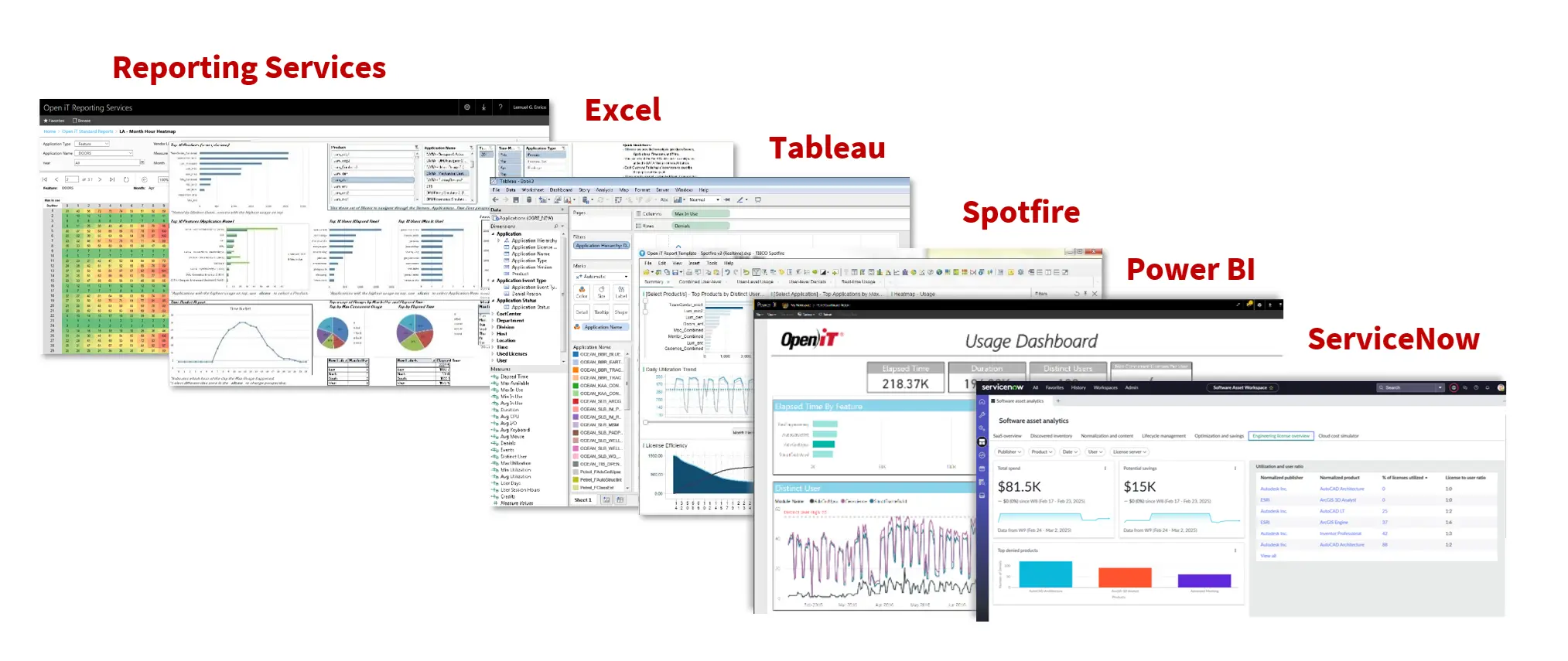
LicenseAnalyzer enables you to set smart thresholds and policies for each application, monitoring activity such as CPU, I/O, and user interaction. Its flexible setup allows you to tailor controls to different types of software. With configurable triggers and business rules, it ensures precise and efficient license management.

Your information will never be shared with any third party